

 PREV
PREV
2026 Latest Jewelry Box Manufacturing Guide: Step-by-Step & Expert Techniques
2025-02-10
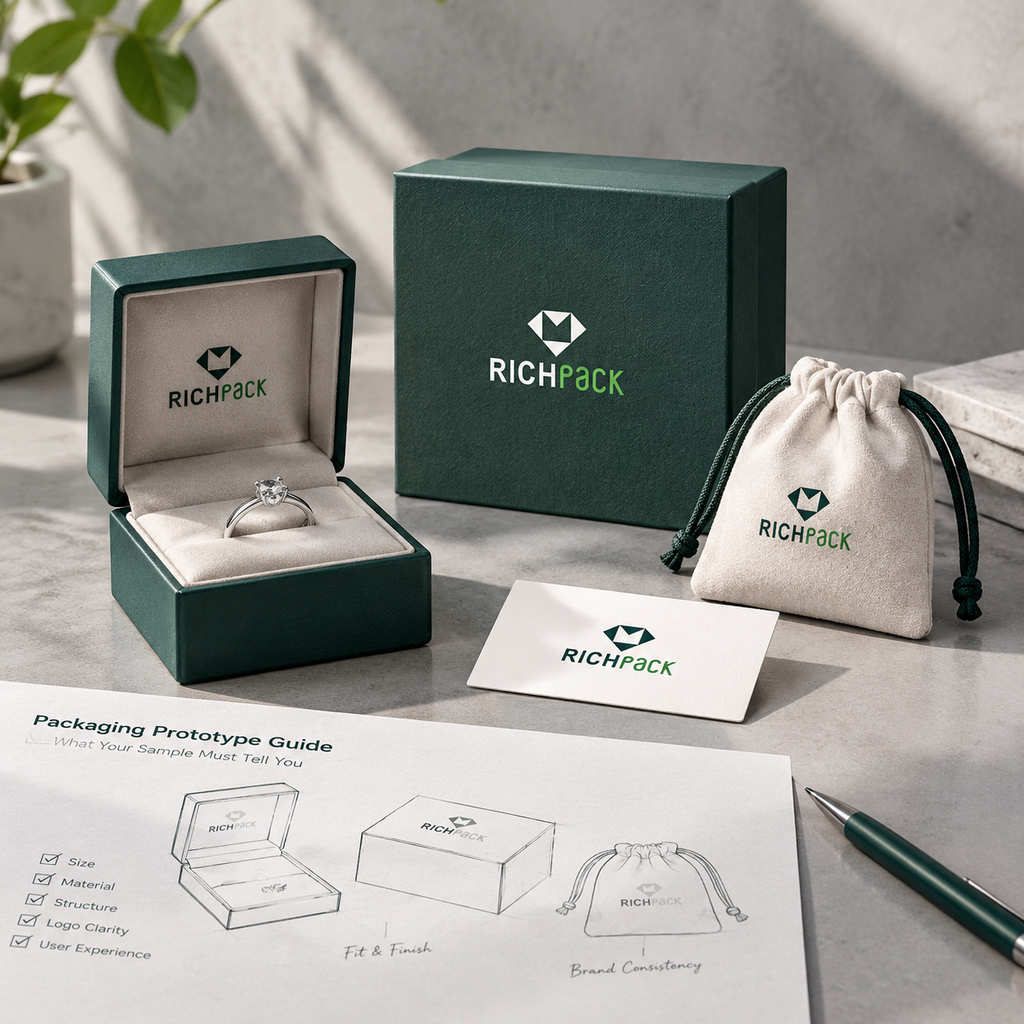



Imagine a ring box designed for a delicate band. The artwork may be ready, but two questions remain before production. Can the customer lift out the ring without pinching the band? Will the jewelry box need a shipping carton for online orders?
A packaging prototype helps your team answer questions like these before production. Choose the sample by the decision in front of you. A screen mockup can help check logo placement. A physical sample can show fit, movement, and finish.
The checks cover sample types, jewelry fit, print and finish, packed-unit testing, and approval records. They help your team choose the next sample, review it with real jewelry, and record what is still open. For brands comparing box formats, RichPack’s custom jewelry box options provide a starting point for the packaging brief.
A prototype should answer one defined question. It does not certify the full production run. Use a screen mockup to review layout; choose a physical sample when the answer depends on size, material, movement, or handling.
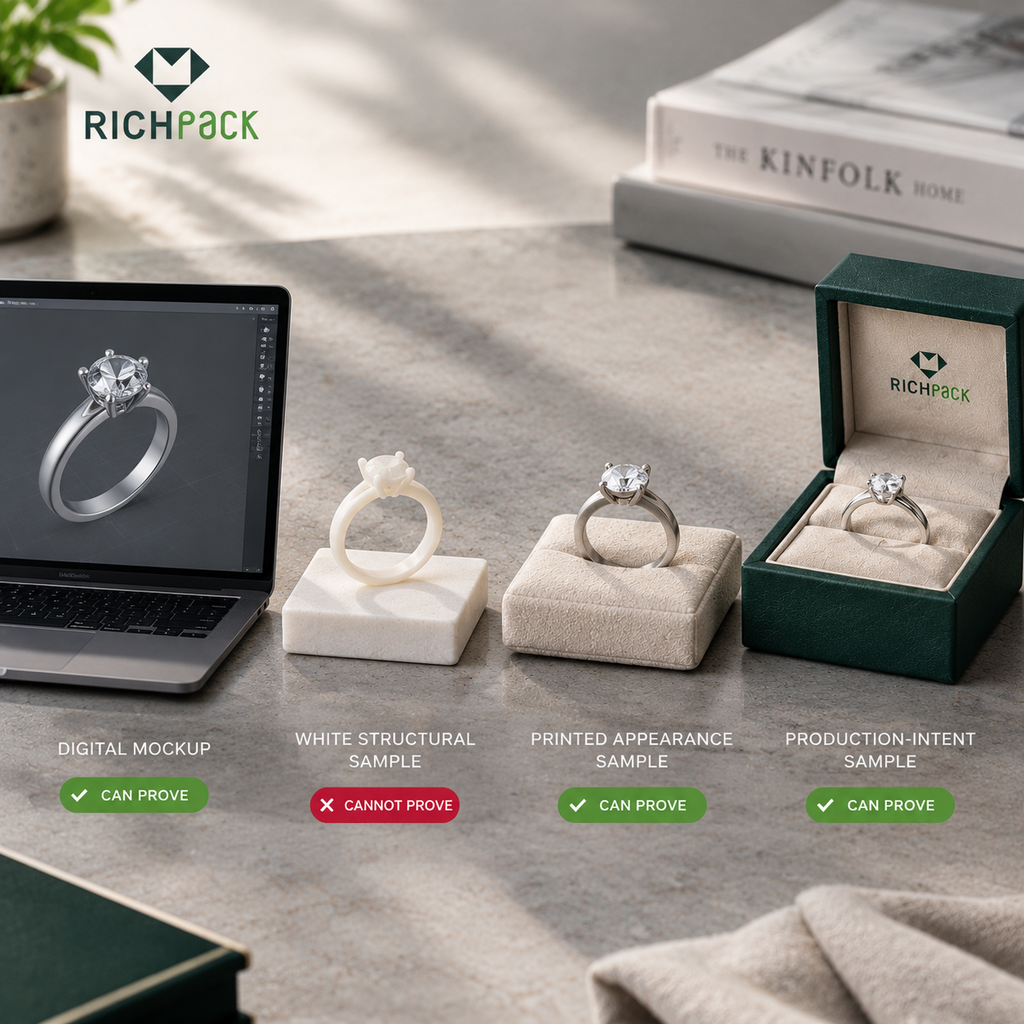
Packaging prototypes can be digital, hand-cut, printed, or made with production-intent materials. Suppliers use the labels differently, so ask what the sample is made of and what it is meant to prove.
Before approving the sample request or schedule, confirm that the sample scope answers these questions:
A digital mockup helps the team compare three parts of the artwork while the design is still changing:
It cannot show how the board feels, how a drawer moves, whether an insert holds real jewelry, or how foil catches light on a textured wrap. Keep those checks open until you have a physical sample.
A white structural sample is an unprinted physical box. Use it to check the shape and fit before approving the graphics.
A white structural sample should answer these fit and structure questions:
The sample may use substitute materials. Ask what it represents before you approve the feel or stiffness. When the actual jewelry is unavailable, use a marked substitute with matching dimensions and weight, then leave product-specific fit open.
A printed appearance sample puts the artwork on a physical box. Compare it with the approved design for:
The sample may use a different print process, substrate, or finish from the production run. Ask which parts match the planned process and which are approximations. Compare color with an agreed physical reference under agreed viewing conditions. A screen preview cannot prove how another substrate or press will look.
A pre-production sample, sometimes called a production-intent sample, should represent the agreed production setup more closely than an early mockup. Suppliers use these terms differently. Ask which materials, construction, and finishing steps the sample includes.
Write down what the approval covers:
A signed sample is a reference for those decisions. It does not guarantee that every future unit will match. Manufacturing controls, tolerances, and an inspection plan help manage production variation.
Sample evidence matrix
| Sample stage | Best for checking | Cannot prove by itself | Next decision |
| Digital mockup | Layout, hierarchy, and visual direction | Physical fit, texture, movement, or transit | Request a structural or printed sample |
| White structural sample | Dimensions, folds, opening, and basic fit | Final artwork, color, or finish | Approve the structure or revise it |
| Printed appearance sample | Artwork placement, color direction, and surface effects | Full production consistency or shipment protection | Approve the visual scope or request a pre-production sample |
| Pre-production sample | Agreed materials, processes, and selected finishes | Future production outside the recorded scope | Record approval, tolerances, and remaining tests |
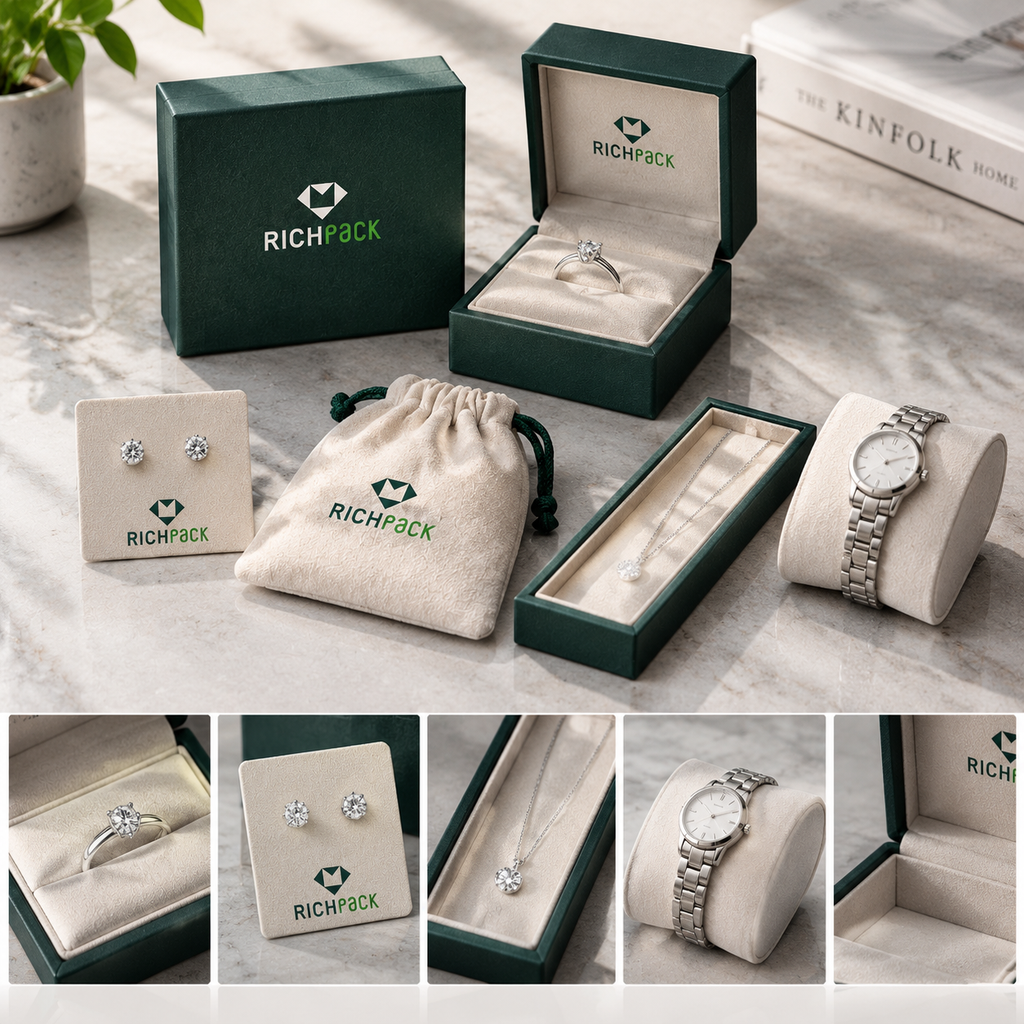
Check the jewelry and insert together. An empty box cannot show whether a ring moves, a chain catches, or an earring is hard to remove. Use representative pieces from the product line and record any substitute material or sample construction. Teams comparing insert formats can review RichPack’s custom insert options for jewelry boxes while preparing the brief.
Match the insert to the jewelry type. Check the fit with a representative piece from each relevant SKU family. Include the largest or heaviest item when it could change the fit.
Record which product went into each cavity. For a necklace launch, compare custom necklace boxes with the actual pendant and chain. A dieline shows intended dimensions; the assembled sample shows where the jewelry sits.
Run the same simple handling sequence each time:
Look for a pendant that slides, a chain that folds over itself, or jewelry that touches the lid. A tight slot may hold a ring but make it hard to lift without pinching the band.
After repeated placement and removal, check for lint, scuffs, pressure marks, or loose parts. These observations describe this sample; they do not set a universal pass threshold. RichPack’s jewelry insert design considerations can help frame questions about display, storage, and product restraint.
Open and close the box several times with the normal grip. Check the closure that the design uses:
For a magnetic design, compare the sample with magnetic-closure gift boxes. Note any gap, shift, or awkward movement. Write down the action that failed instead of a general note such as “fix the closure.”
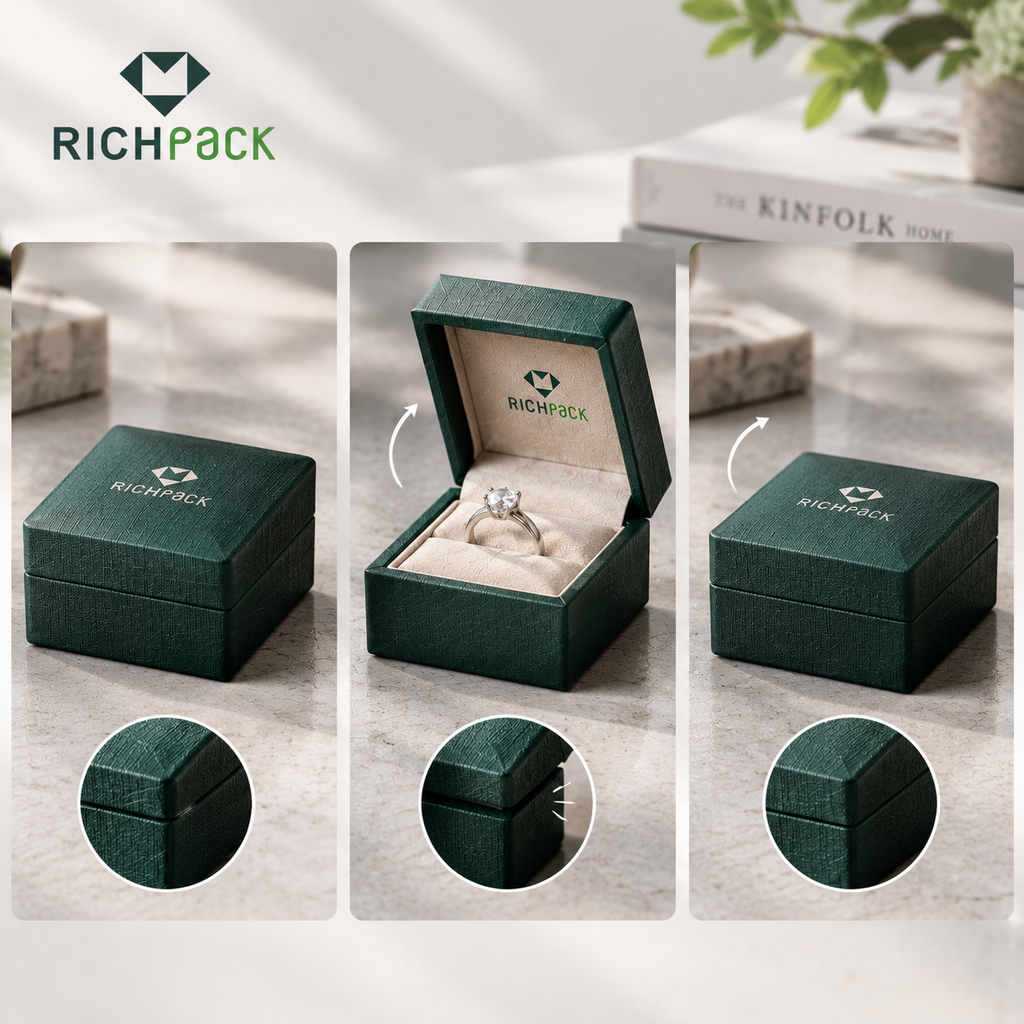
Check the outside, inside, and box edges under good light.
If the sample uses substitute board or lining, do not approve the intended material from its weight or feel. Ask the supplier to name the board, wrap, lining, and insert materials. RichPack’s packaging material options can help start that discussion. For insert materials, review jewelry insert material choices before checking the actual contact surface.
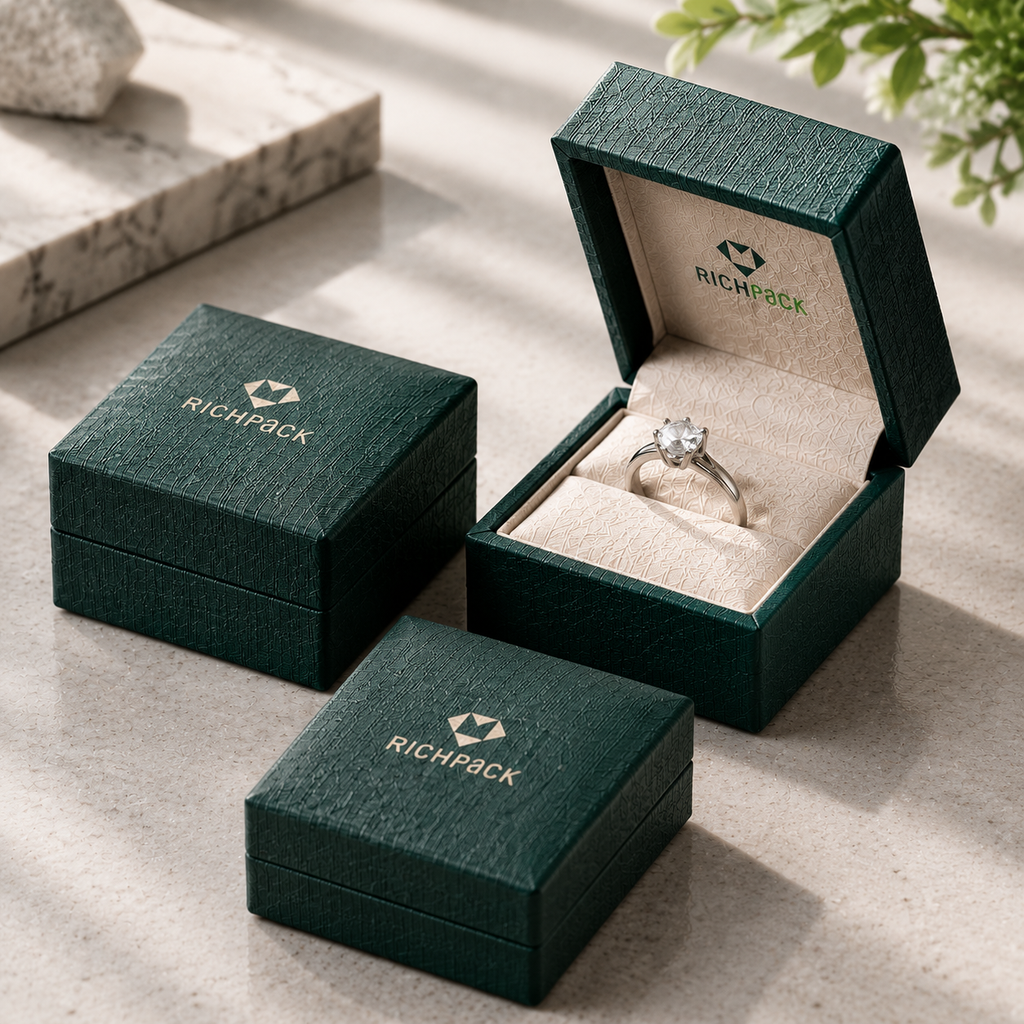
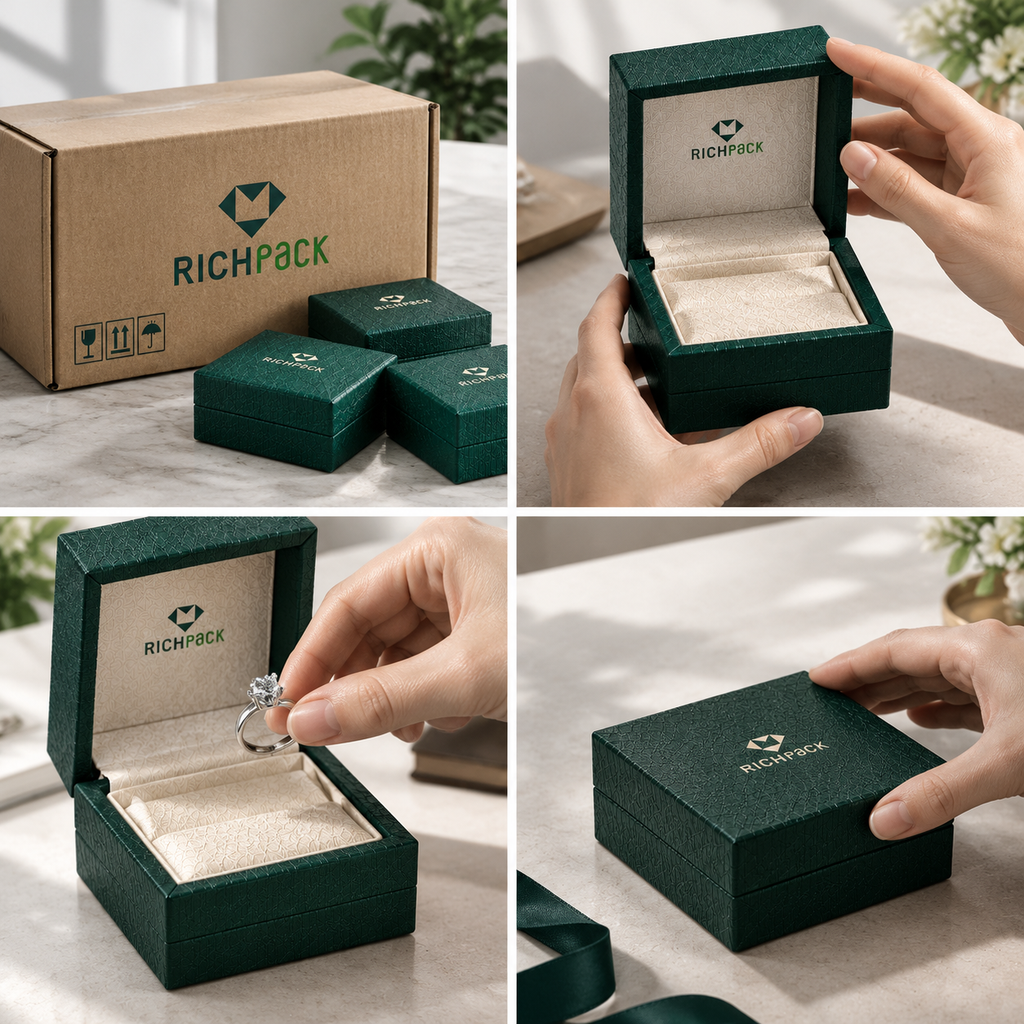
Follow the package from shipper to jewelry and back:
Check how the parts fit together. A custom gift box range may help teams compare an outer gift presentation with the jewelry box inside. Include the people who will handle the package:
Record any handoff that needs to change or be retested.
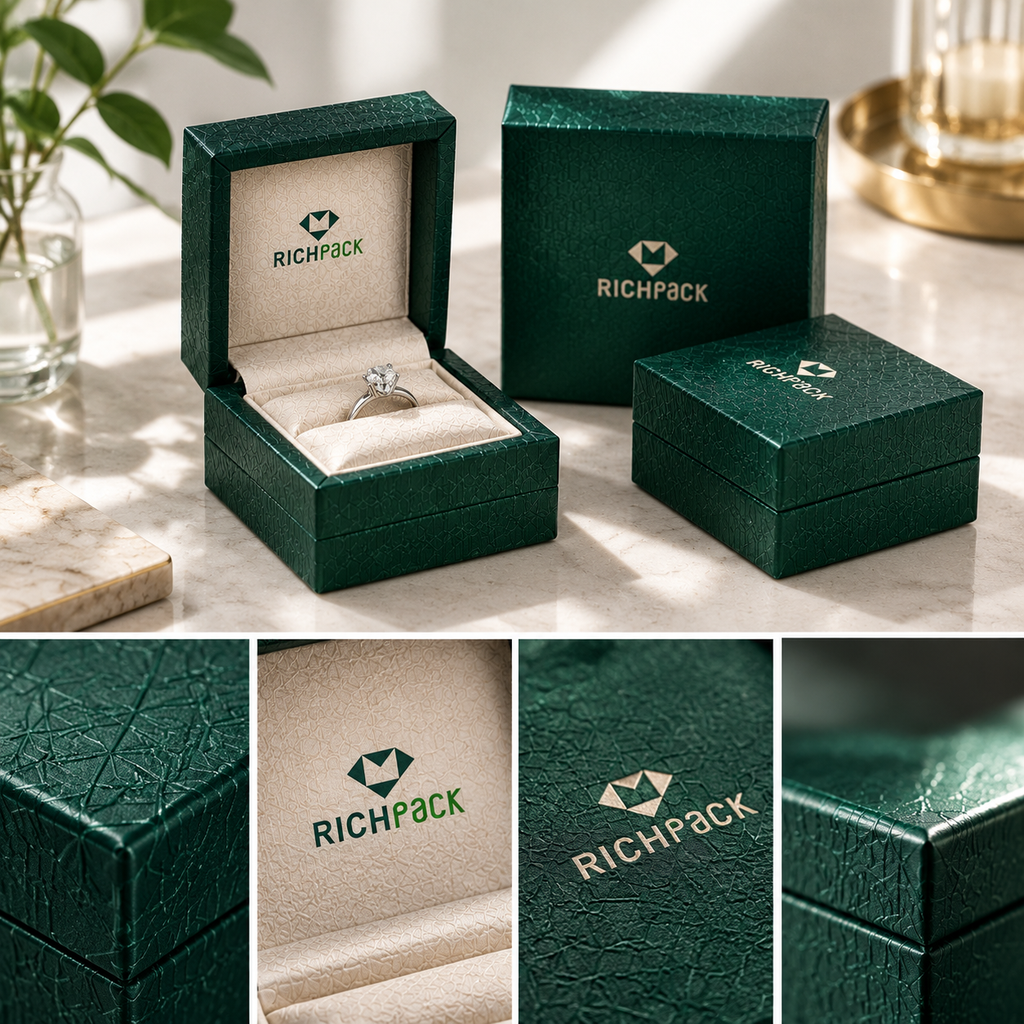
Check print and finish on a physical sample. A screen cannot show how foil reflects from textured paper or how a dark color looks on another substrate. Before the review, choose the reference and light you will use.
Review each panel, including areas covered by a ribbon, insert, or sleeve:
Check logo position, orientation, small type, and fine lines at normal viewing distance. Details that look clear on an enlarged screen may fill in after printing. Check barcode print quality, then scan it with the equipment planned for fulfillment. Note whether hidden placement is intentional.
Compare the sample with an agreed physical reference, such as a signed swatch or project proof. Record the conditions so the team can repeat the comparison:
Paper, coating, texture, and print process all affect color. If the sample uses a different substrate or print method from the planned run, treat it as a direction check and leave final color approval open. Call a color exact only when the project has defined the reference and acceptable variation.
Tilt the sample under light and inspect the finish where it meets the material:
A smooth panel can hide a defect at an edge. If foil, embossing, varnish, or soft-touch finish carries the design, request a sample that represents that process closely enough to review it.
Keep two decisions in the approval record, even when one sample supports both:
This makes the next change clear. If the structure passes but the foil edge does not, revise the finish. If the visual design passes but the drawer binds, revise the structure without reopening the artwork.
An empty box can show a poor fold or a lid that will not close. It cannot show how jewelry, insert, box, and shipper work together. If the order will ship to customers, test the packed configuration on the path planned for launch. The team’s jewelry shipping steps can help check the outer shipper too.
Set up the sample with the components planned for launch:
After handling the package, open it and inspect the jewelry and insert. Record the jewelry type, insert and box versions, and any substitute item. If you use a substitute, write down its size and weight and leave product-specific fit open. An empty-box review cannot approve a packed configuration that was never tested.
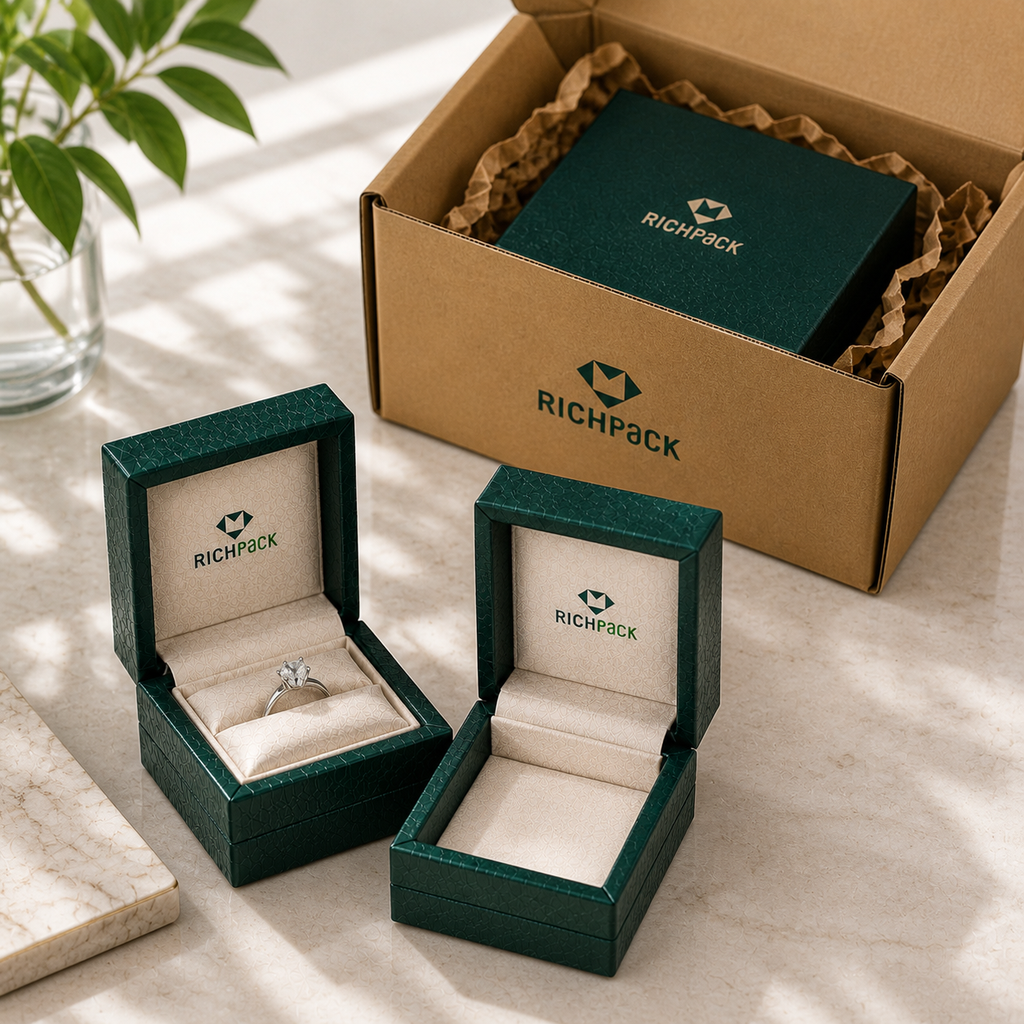
Recreate the handoffs that matter to the launch:
Watch for a chain that catches, an insert that lifts with the piece, a drawer that needs two hands, or a lid that will not stay where expected. Use the result to decide whether to revise the structure, change the insert, or add a handling step. This walk-through is not a performance test unless you define the method.
Set up a transit test around the route, not around a convenient test method:
Record the package weight and test conditions before the test starts. A desk-height drop is not a qualified transit test.
ISTA describes Procedure 3A for individual packaged products shipped through a parcel delivery system by air or ground, up to 150 pounds (70 kilograms). It covers four package types:
That does not make 3A the right test for every jewelry shipment. Confirm the package type, packed-package weight, shipper, and route with a qualified testing partner. Keep any result tied to the exact packed sample and version tested. Citing Procedure 3A does not mean the sample passed.
When a check fails, keep a record with:
Mark each item as “not tested,” “failed,” “revised,” or “passed under the stated conditions.” A blank field is not a pass. If the board, insert, closure, artwork, or shipping setup changes, check whether the earlier approval still applies.
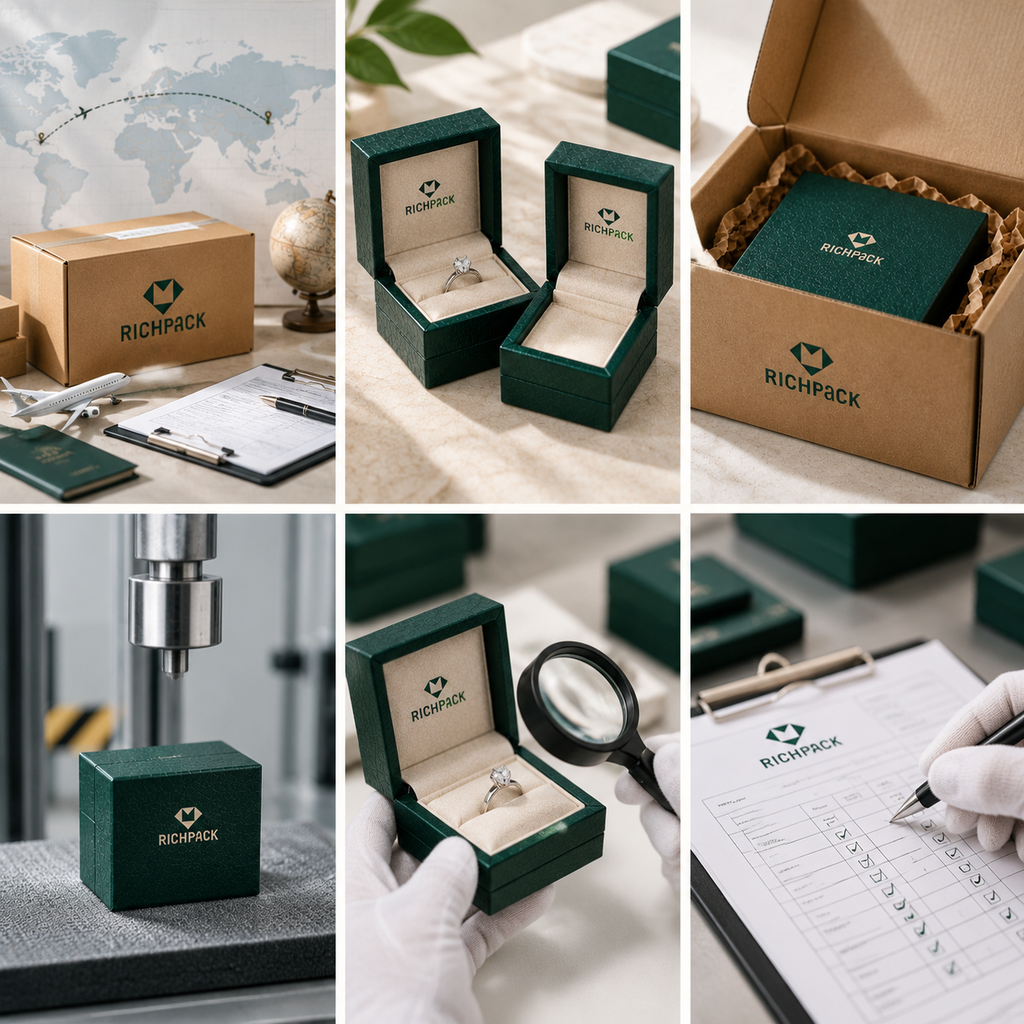
Move a sample toward approval by recording what it represents, what it proves, and what still needs review. Design, procurement, engineering, and fulfillment teams can use the same version record.
Give the supplier a brief it can build from:
Ask for the sample charge, any tooling or shipping costs, the estimated timeline, and what a revision includes. Confirm each item for your project.
If the design is ready but the dieline or actual jewelry is missing, insert fit remains unverified. Send a representative piece or dimensioned reference, then mark which details are final.
If the design is still flexible, distinguish must-have requirements from preferences. A request for a custom logo box may need an early structure check before the team spends time reviewing foil color. Teams weighing a bespoke format against a stocked option can compare the trade-offs in custom versus stock packaging, then include the chosen direction in the brief.
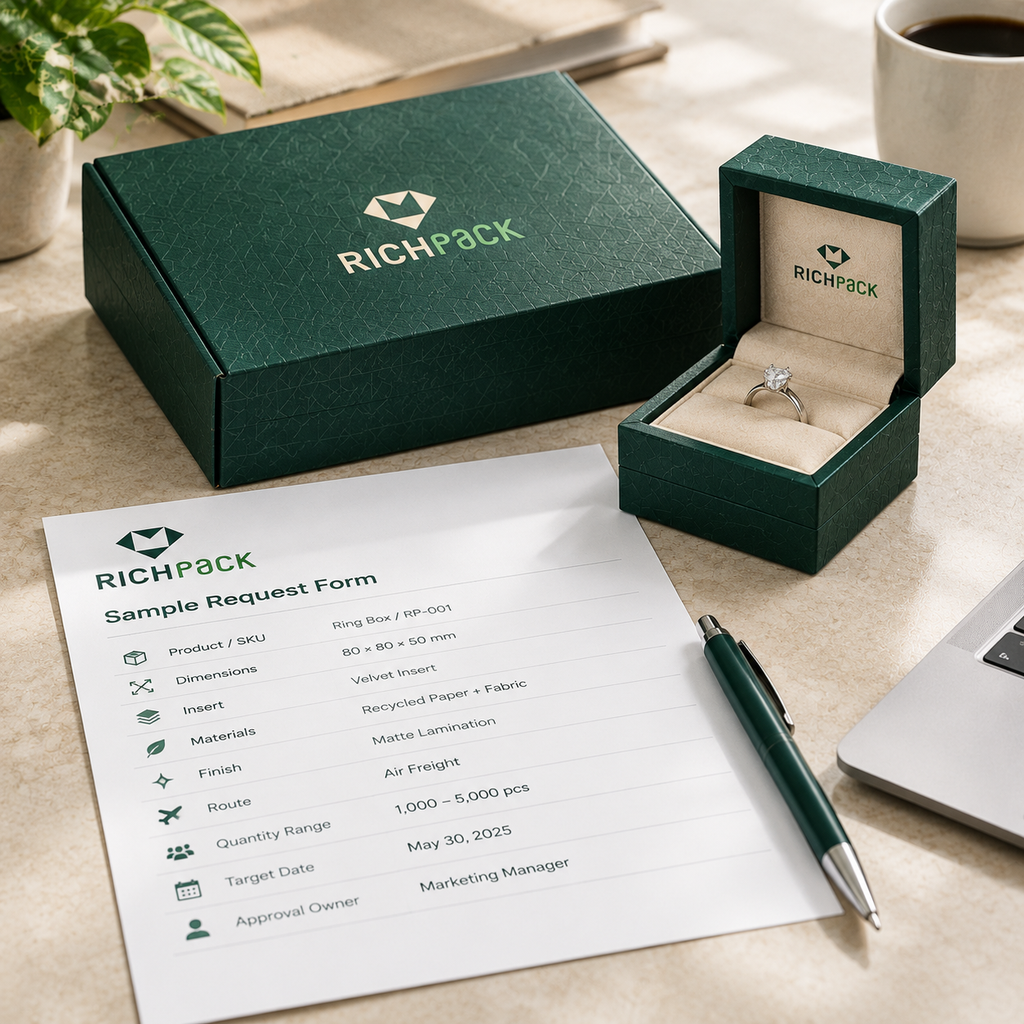
Write one approval question at the top of each sample request. For example:
One sample can support more than one review. Mark which checks are in scope. If insert fit is still open, visual approval does not close it. If the sample uses substitute stock, appearance feedback does not approve the final substrate.
Give each reviewed sample an ID or version. Keep these fields with it:
A shared approval sheet is enough if it ties each comment to the right version. If the supplier changes the board, wrap, insert, closure, artwork, or print process, mark which checks need to be repeated. “Approved” should refer to a visible sample and a recorded scope.
Request another sample when a required check fails or remains unknown:
The people responsible for the launch decide whether the open items are acceptable. Choose the next sample by the risk that remains.
When the sample question and review scope are clear, prepare a project brief. RichPack’s custom jewelry boxes with logo and small jewelry gift box options show relevant formats. The jewelry packaging manufacturing service is another starting point for a production discussion.
These are RichPack resources. They can help you compare formats, but they do not verify a sample result or set the terms for a specific project. Before ordering, confirm:
A packaging prototype is a digital or physical sample built to answer a question before production. Its job is limited to the materials and steps it represents. State the sample type and review goal before using it for approval.
A prototype may test shape, size, fit, or visual direction. A pre-production sample should reflect an agreed production setup more closely. Suppliers use these labels differently, so confirm the materials, processes, and checks with the supplier.
Test the question you need answered. That may be fit, opening, movement, artwork, color direction, finish, or the filled package. Record the test conditions and anything the sample did not cover.
A digital mockup can show layout, logo placement, and visual hierarchy. It cannot show material feel, physical fit, closure movement, or parcel handling. Use a physical sample for those checks.
Yes, if fit, movement, contact, or removal matters. Use a representative piece from the relevant SKU family and record its SKU or dimensions. If you use a substitute, record its size and weight and leave product-specific fit open.
There is no fixed number. Request another sample when a new decision remains or a change affects an earlier approval. Some teams need a structural, printed, and pre-production sample; others need fewer.
Record the sample ID and version, date, materials and processes represented, product tested, approved checks, test or viewing conditions, accepted tolerances, open items, and next action. Attach photos and comments to the same version.
No. ISTA Procedure 3A covers individual packaged products shipped through a parcel delivery system by air or ground, up to 150 pounds (70 kilograms). The covered package types are standard, small, flat, and elongated. Confirm the package type, packed-package weight, route, and distribution conditions with a qualified testing partner.
A sample is ready for its next stage when it has answered its assigned question and the remaining risks are recorded. Check the jewelry with its insert. Keep structural and visual approvals separate, and test the packed unit when shipping matters.
Record the version, scope, conditions, and changes. If a high-risk question remains open, request a sample or test that can answer it.


2025-02-10


2025-05-31
2025-05-12
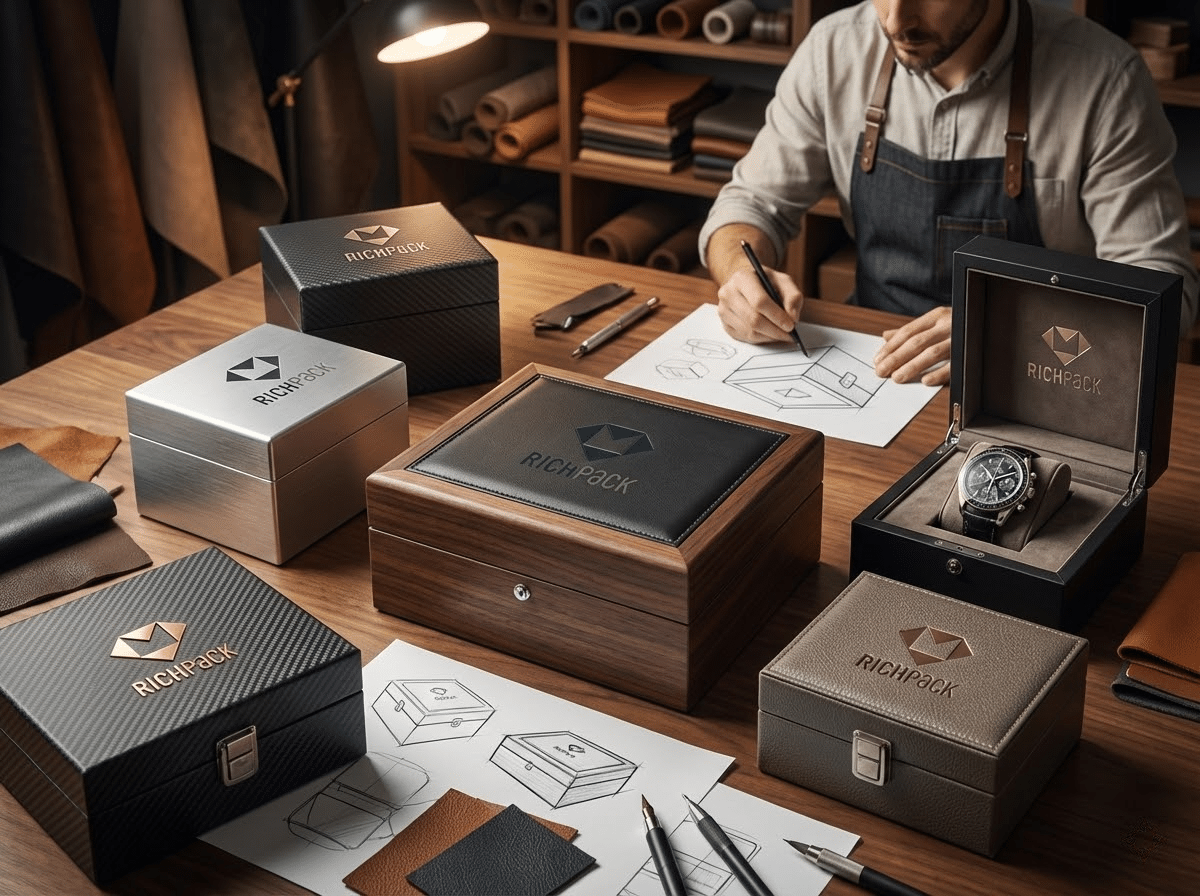
2026-02-08
2025-02-25
2025-02-18
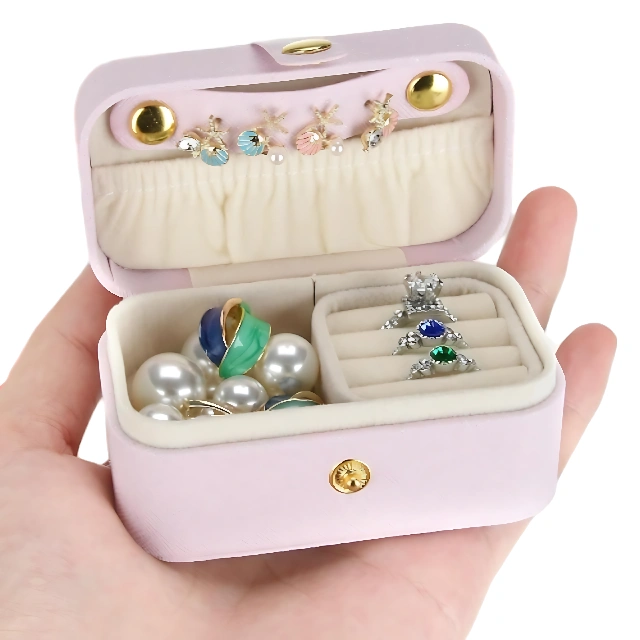
Charming and Practical Compact Travel Jewelry Case – Secure Your Jewelry on the Go
View More
Jewelry Packaging with Brand Protection Agreements | Secure and Confidential Solutions for Luxury Brands
View More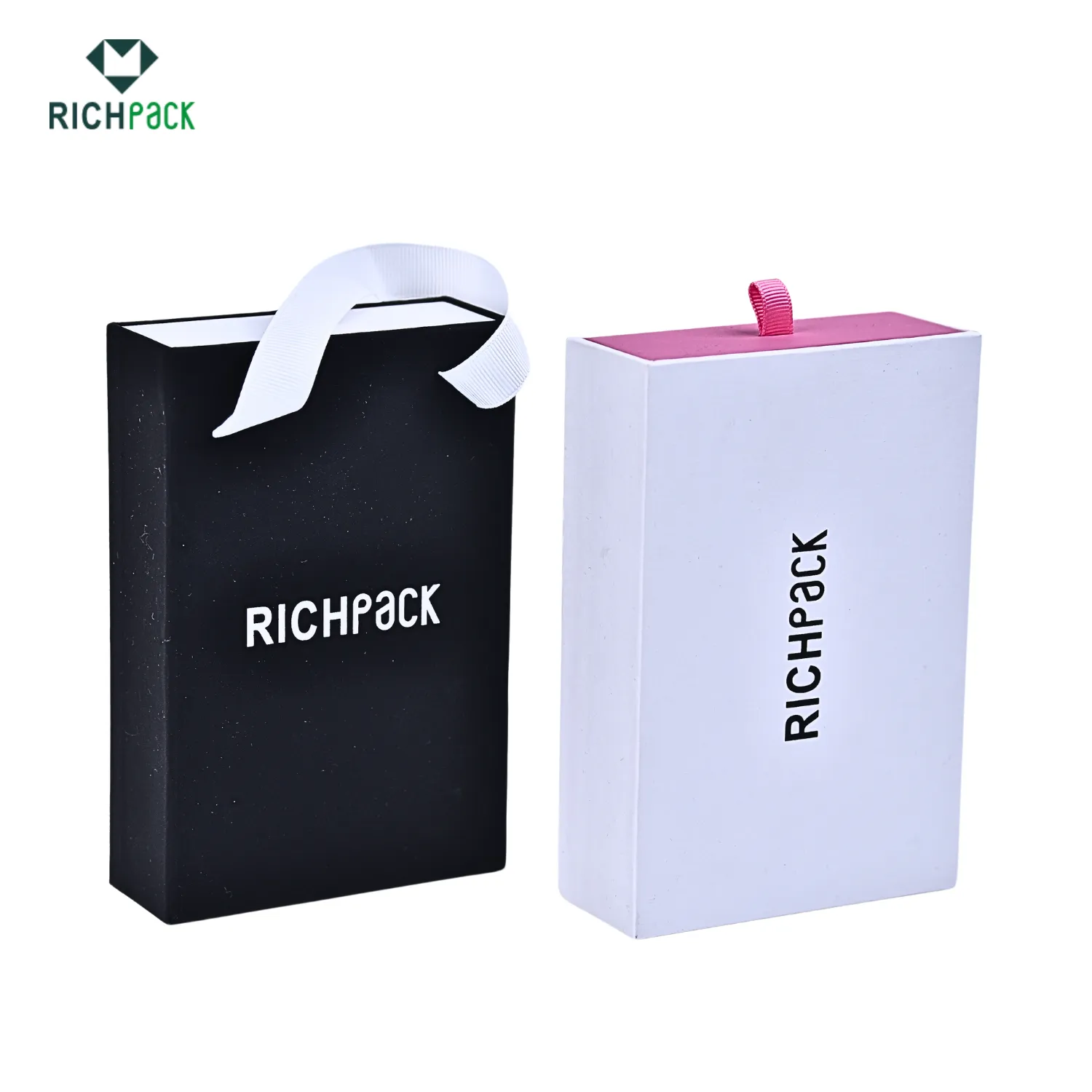
Custom Eco-Packaging for Jewelry Brands with Green Initiatives | Perfect for Brands Focused on Sustainable and Branded Packaging
View More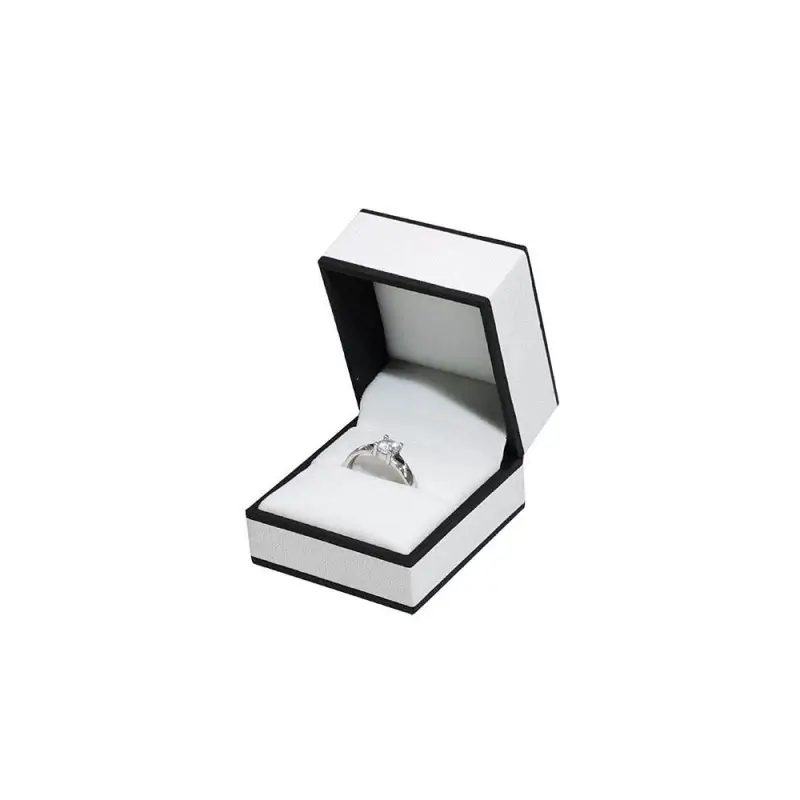
Creative Jewelry Packaging with Fast Sample Production | Customizable Designs for Unique Brands | Quick Turnaround Times
View More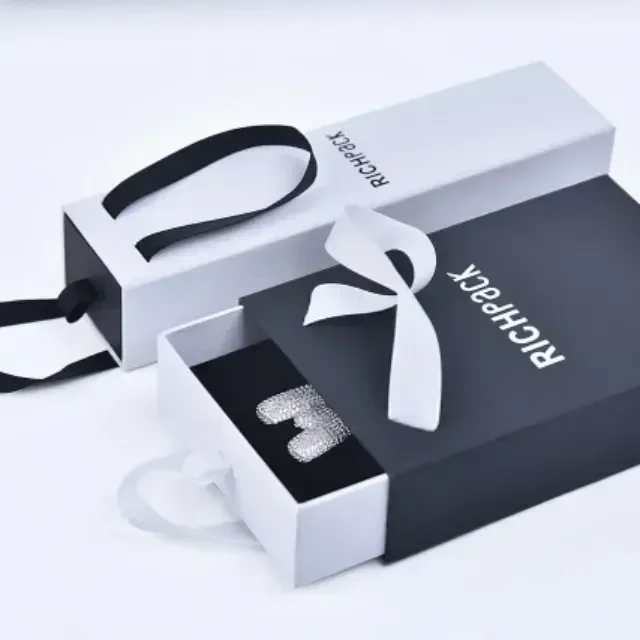
Cost-Effective Bulk Packaging Solutions for Jewelry Brands | Perfect for Wholesalers Needing Scalable and Customizable High-Volume Packaging
View More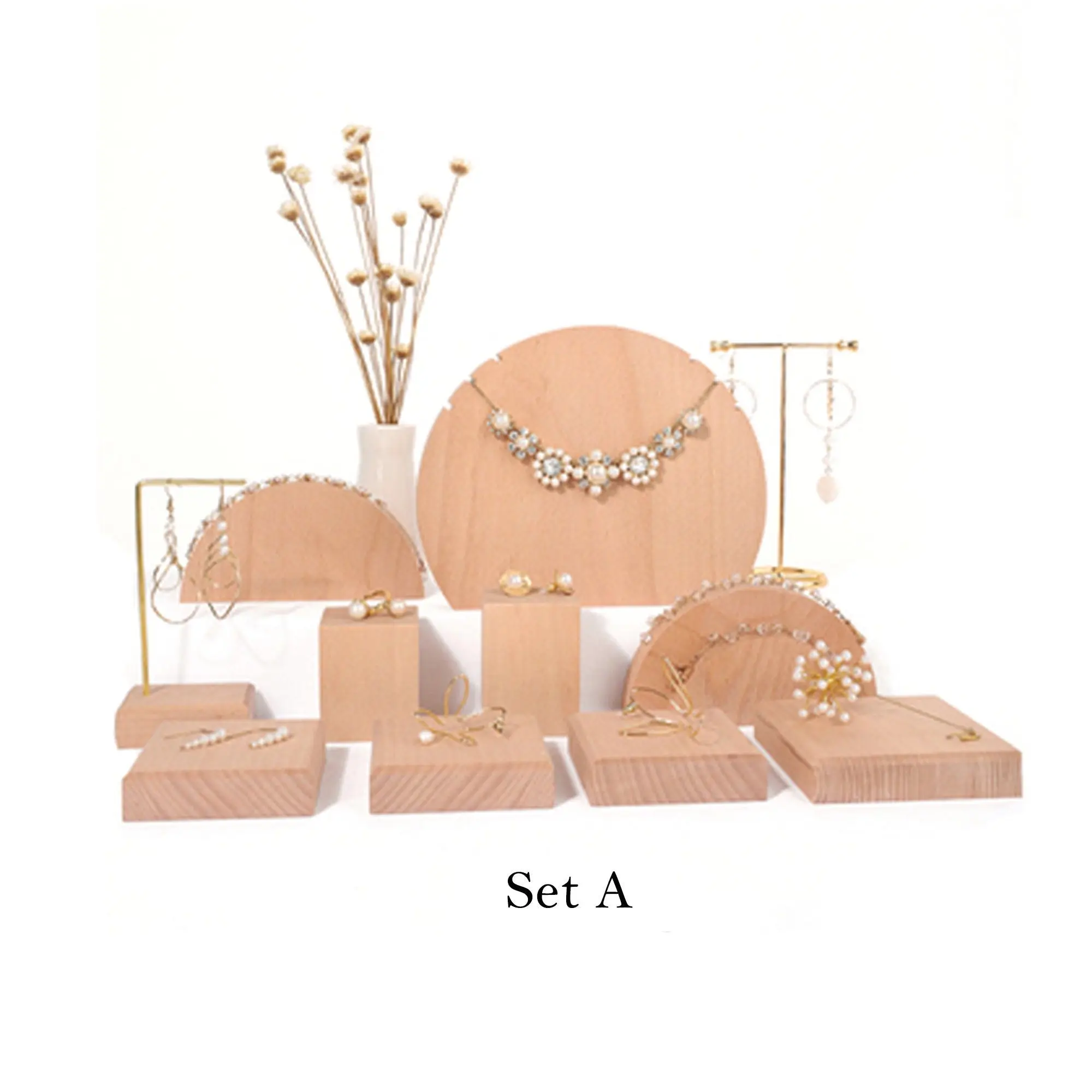
Bespoke Custom Jewelry Display Stands for High-Volume Orders | Crafted for Distributors Needing Reliable and Customizable Bulk Display Units
View More

